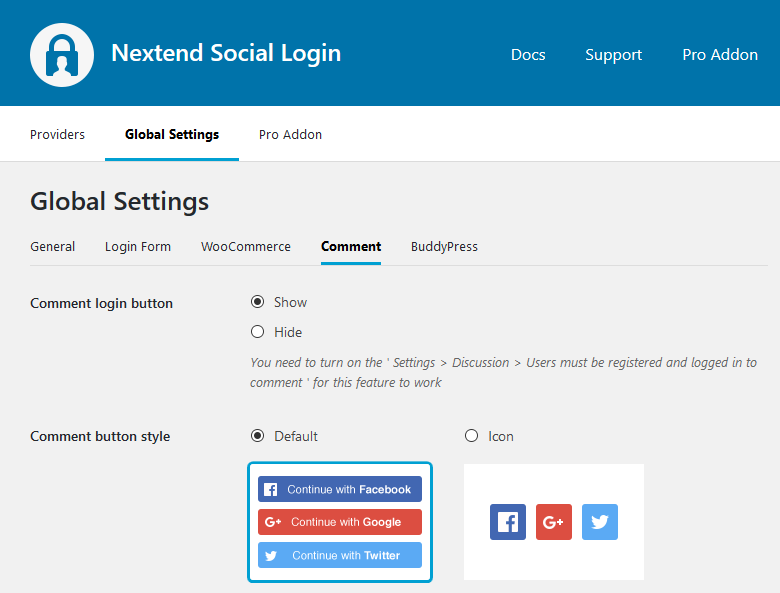
Comment login button
If the Settings → Discussion → Users must be registered and logged in to comment is turned on you can display social login icons at the comment form.
Comment button style
You can change the layout of social login at the comments.
Note
Each provider has a sign in branding guideline, that involves showing a logo and a “sign in” text. Without these, your buttons do not comply with their branding guidelines. For example, if you choose the Icon style, you won’t be able to get your app approved by Facebook.
Button alignment
You can use this setting to position the social buttons in the default WordPress Comment forms to left, center or right.
-Available since: 3.0.15